Table of contents
- Check Which Exam Topics the Question Bank Covers
- Match the Practice Session to the Task
- Choose Between Recall Cards and Interactive Tasks
Check Which Exam Topics the Question Bank Covers
A domain-labeled question bank gives you a way to connect an individual question with an exam area. For 220-1201, the Crucial Exams practice-test library targets all five official CompTIA A+ domains. Live question pages label each item with its domain, including examples such as Networking and Virtualization & Cloud. Those labels make it possible to direct a study session toward a named area rather than selecting questions without a topic indication.
The label matters because the topic descriptions do not all use the same exam version. The 220-1201 description identifies a domain-targeted practice library and domain-labeled questions. Separate mock-test examples are identified as 220-1101 or 220-1102, so their topic groupings should be read in the context of those version labels.
Read topic labels in the context of the exam version
The 220-1101 examples name mobile devices, networking, hardware, virtualization and cloud computing, and hardware and network troubleshooting. The 220-1102 examples name operating systems, security, software troubleshooting, and operational procedures. These lists are useful when selecting among the tests that carry those labels, but they should not be combined with the 220-1201 description as one assumed coverage map.
Use the version label as the first selection check. If your goal is topic-focused practice, look for the domain or topic label attached to the question or test. If the resource is labeled 220-1201, use the 220-1201 domain controls and labels. If it is labeled 220-1101 or 220-1102, keep its topic groupings associated with that version. This approach separates the available coverage descriptions before you choose questions.
A topic label answers a narrower question than a full exam plan: it tells you what area the selected practice item is associated with. That makes it useful for directing a session toward Networking, Virtualization & Cloud, or another named area. It does not turn differently labeled test lists into one version-neutral set of topics.
Match the Practice Session to the Task
Practice modes differ mainly in how much control they provide over difficulty, length, timing, and topic selection. The easy and difficult formats each use a 20-question, 20-minute session. Custom 220-1201 tests can use a selected number of items and a timer, with descriptions allowing 5 to 100 items. Full mock-test examples use 90 questions in 90 minutes and are labeled for 220-1101 or 220-1102.
Choose the format by the session you want to complete. A short difficulty-based set is suitable when you want a defined amount of practice. A custom test is more adjustable when you want to select an item count, use a timer, or filter by domain. A full mock test is the fixed-length option among these examples, but its exam-version label needs to match the version you are studying.
Use short sets for bounded practice
The easy CompTIA A+ format is described as 20 easy questions within 20 minutes. The difficult format is also described as 20 questions within 20 minutes, with the session labeled difficult. Because the question count and time limit are shared, the distinction between the two formats is the labeled difficulty rather than the session length.
These sets work as a clearly defined starting point for a study block. Select the easy format when that is the labeled level you want to practice, or select the difficult format when you want the corresponding question set. The available description establishes the number of questions and the time limit; it does not establish that a result from either format predicts an exam outcome.
A short set also gives you a way to practice without committing to the longer full mock-test format. After choosing the set, keep the version and difficulty label visible as you interpret the session. The important comparison is between the bounded 20-question format and the other available controls, not between an individual score and an unsupported prediction.
Use timed tests when pacing or domain selection matters
Custom 220-1201 practice tests can include 5 to 100 items and use a timer. Another timed custom-exam format draws from the full 220-1201 question pool and can filter the session by official domains. These controls address different choices: the item range changes the size of the session, the timer adds a pacing condition, and domain filtering directs the session toward selected exam areas.
Use the item range when you want to decide how much practice fits the available time. Use the timer when pacing is part of the session you want to run. Use the domain filter when the immediate goal is to work within selected official areas instead of drawing from the full pool. The descriptions establish these controls, but they do not specify one required duration for every custom test.
Before using these options, confirm that the test is the 220-1201 format. The custom controls described for 220-1201 should not be silently applied to the separately labeled 220-1101 or 220-1102 mock-test examples. Version checking keeps the selected topic filter and question pool aligned with the listing you chose.
Check the version on full mock tests
The full mock-test examples are 90 questions in 90 minutes. The 220-1101 examples group mobile devices, networking, hardware, virtualization and cloud computing, and hardware and network troubleshooting. The 220-1102 examples group operating systems, security, software troubleshooting, and operational procedures.
Check the version label before starting one of these tests. The 90-question, 90-minute format describes a longer fixed session, while the version label identifies the topic grouping attached to that example. These listings should not be treated as 220-1201 tests merely because they are all presented as CompTIA A+ practice.
Choose a full mock test when the fixed question count and time limit fit your intended session. Choose a short set when you want the bounded 20-question format. Choose a custom test when item count, timer, or domain selection is more important than using the fixed mock-test structure.
Choose Between Recall Cards and Interactive Tasks
Flashcards and PBQs address different practice actions.
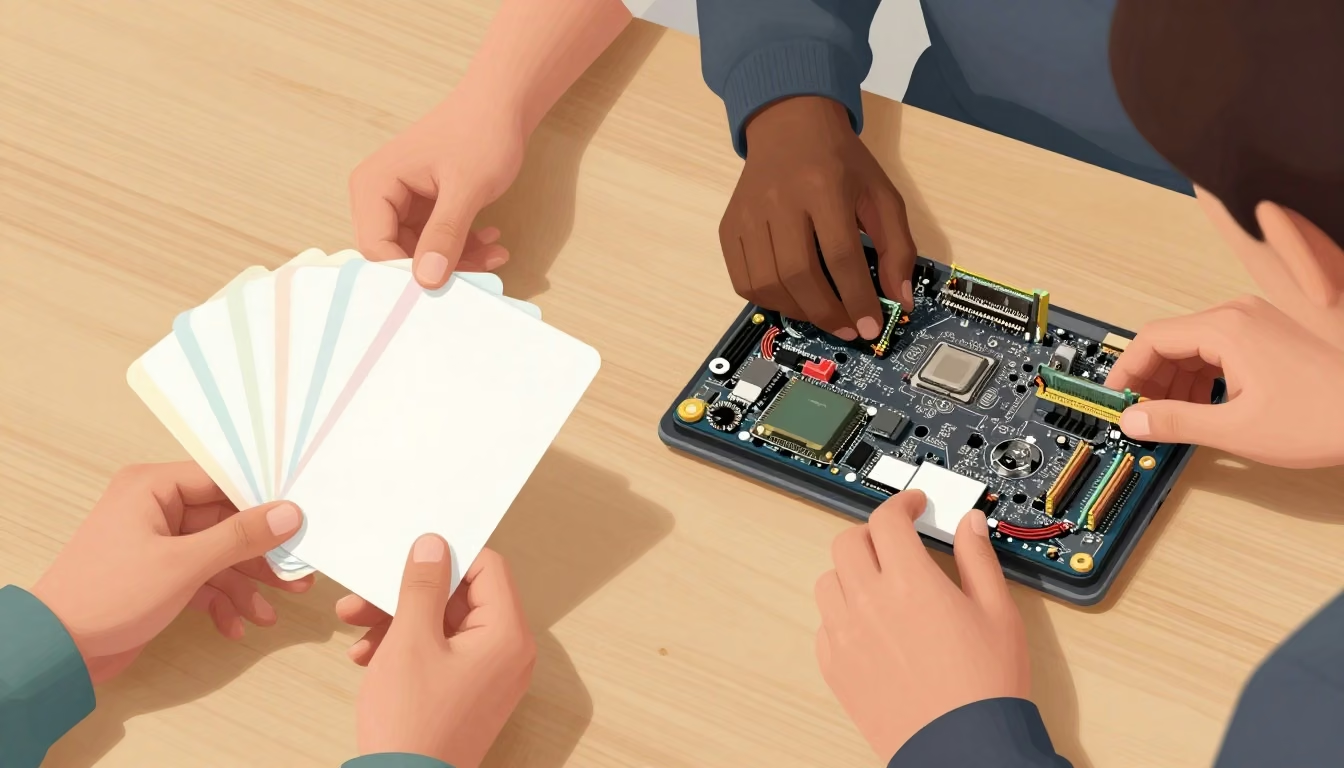
The distinction is practical. Use a flashcard deck when you want to recall or match a term, acronym, protocol-related port, addressing concept, or wireless technology type. Use a PBQ when you want to work through an interactive exercise rather than focus only on term recall. The examples describe these formats and topics; they do not establish that the lists are exhaustive.
Pick a flashcard deck by the material to recall
The CompTIA A+ Acronyms deck is described as containing 40 essential terms, including ACL, BIOS, CPU, and APIPA. That gives the acronym format a terminology-focused role: the selected material consists of abbreviations and their meanings rather than a timed mock-test sequence.
The Common TCP and UDP Ports deck focuses on networking protocols and their associated port numbers. The IP Addressing deck covers IPv4, IPv6, private and public IP addresses, IP ranges, NAT, APIPA, link-local addressing, unicast, multicast, and broadcast. A separate wireless-technology deck is described as covering various wireless technology types.
Select the deck by the material you need to recall. Choose the acronym deck when the immediate focus is terminology. Choose the ports deck for common TCP and UDP port associations. Choose the IP-addressing deck for the addressing concepts, or the wireless-technology deck for wireless technology types. This keeps the recall activity tied to the topic named by the selected deck.
The flashcard area also offers matching mode, flashcard mode, and more. Matching mode can organize the activity around pairing related items, while flashcard mode presents the material as a recall exercise. These are different ways to work with the named topic, not substitutes for the timed test formats above.
Use PBQs for hands-on workflows
The Core 1 (V15) PBQ examples provide 12 PBQs as hands-on exercises and mini-games. The tasks include identifying network components and matching motherboard connectors. Another description explains that the Core 1 PBQs simulate interactive tasks through troubleshooting and configuration workflows.
That format changes what you do during practice. A flashcard session asks you to work with named terms or concepts in a recall or matching format. A PBQ session asks you to work through an interactive task, such as identifying a component or matching a connector. Choose the PBQ format when that hands-on activity is the practice goal.
The PBQ examples and flashcard examples should be selected according to the skill activity they provide. Use cards for focused recall of acronyms, ports, addressing, or wireless technology. Use PBQs for the hands-on exercises and mini-games. For another Core 1 V15 practice-scenario page, see comptia a+ actual test questions.